Food Collection Lockers — Staffless Prepared-Order Pickup with Timed Handover
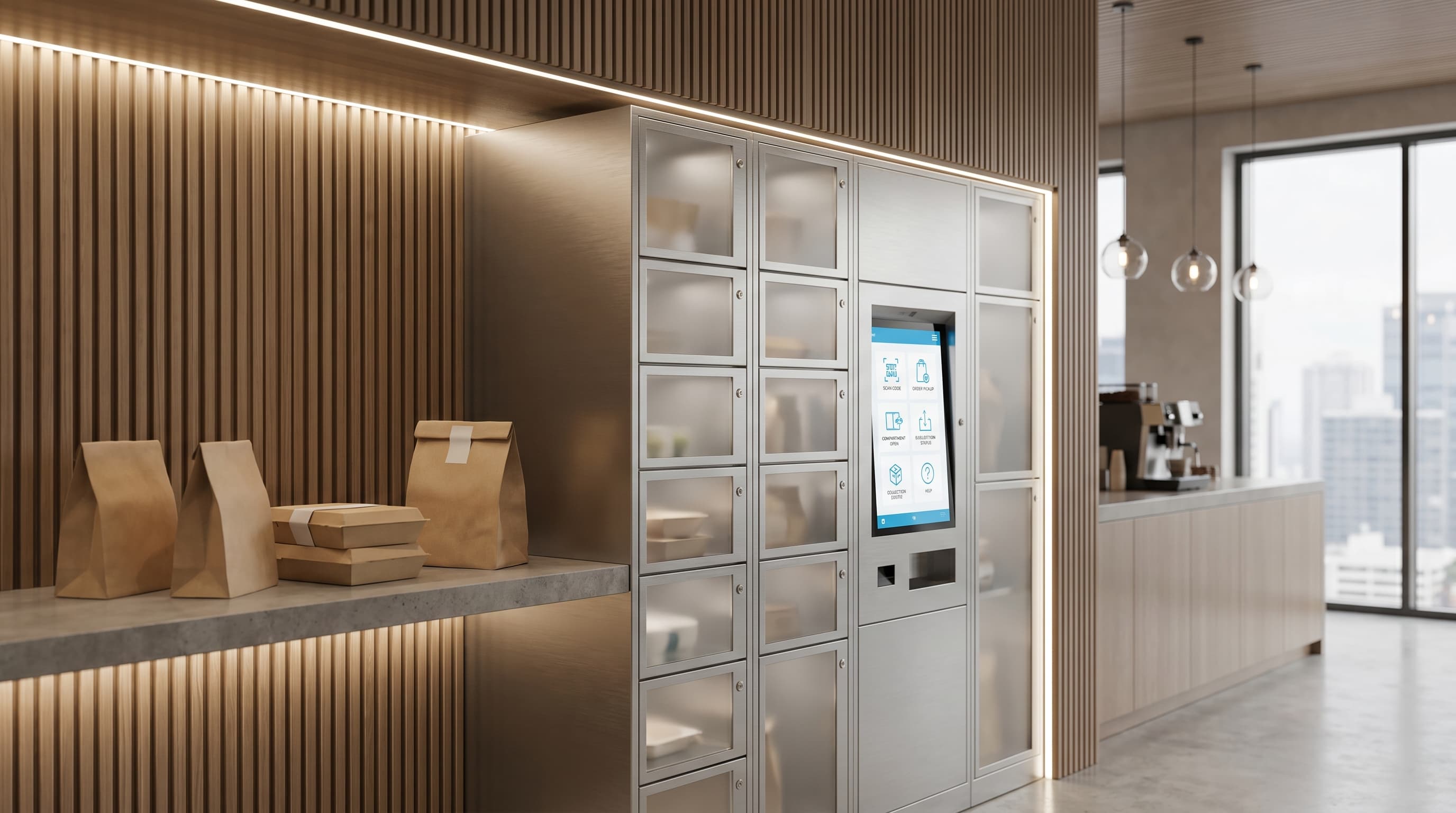
A food collection locker is a software-managed locker system designed for prepared-order pickup with timed collection windows and ambient, heated, or chilled compartment zoning (Wikipedia: Smart lock). The cabinet holds the order securely. The software matches the ticket to the right compartment, sends the recipient a credential, runs the collection window, and escalates a missed pickup before the food sits beyond a usable hold time. Use this page when the workflow is foodservice click-and-collect, canteen pre-order, or campus meal pickup — not when the workflow is generic parcel collection.
Why prepared-order pickup is its own operational problem
Foodservice pickup is not a parcel-locker problem with a different label. The constraints are different. Prep timing matters. Hold temperature matters. Hold duration matters. Customer arrival is unpredictable, and the cost of a missed pickup is a wasted meal, not a re-attempted delivery.
A food collection locker system has to compress all of that into a single workflow: order in, compartment assigned, customer notified, customer authenticates, customer collects, exception escalated. Anything less than that and the operator is just buying expensive cabinets.
Compare nearby workflows
The constraints are different
- Prep timing matters.
- Hold temperature matters.
- Hold duration matters.
- The cost of a missed pickup is a wasted meal, not a re-attempted delivery.
Food Pickup Workflows
Restaurant click-and-collect
Online and in-app orders routed into a secure compartment so customers collect without queueing past the counter.
Corporate canteen pickup
Pre-ordered meals collected at break time without a queue at the kitchen line.
Campus food collection
Student and staff pickup across busy lunch and shift-change windows.
Hospitality collection points
Guest and staff food handover with cleaner control than open back-of-house holding.
Meal-prep and chilled handover
Packaged-food workflows where hold zone and timing matter as much as access.
High-volume peak handling
Lunch rushes, shift changes, and event-driven surges where prep, loading, notification, and pickup need to be separated to avoid a counter pileup.
What the Food-Locker Software Runs
Order-to-compartment assignment
Each order matched to the right size, the right thermal zone, and the right access credential.
Ambient and thermal zoning logic
Ambient, heated, chilled, or mixed-zone allocation where the configured system supports it and the menu actually needs it.
Timed collection windows
Pickup credentials, reminders, and expiry rules so prepared orders do not drift past their hold time.
Exception handling and recovery
Missed collections, failed access, unclaimed orders, and operator overrides surface for fast resolution.
Operational visibility
Live dashboard of occupancy, dwell time, collection status, and intervention queue across the locker bank.
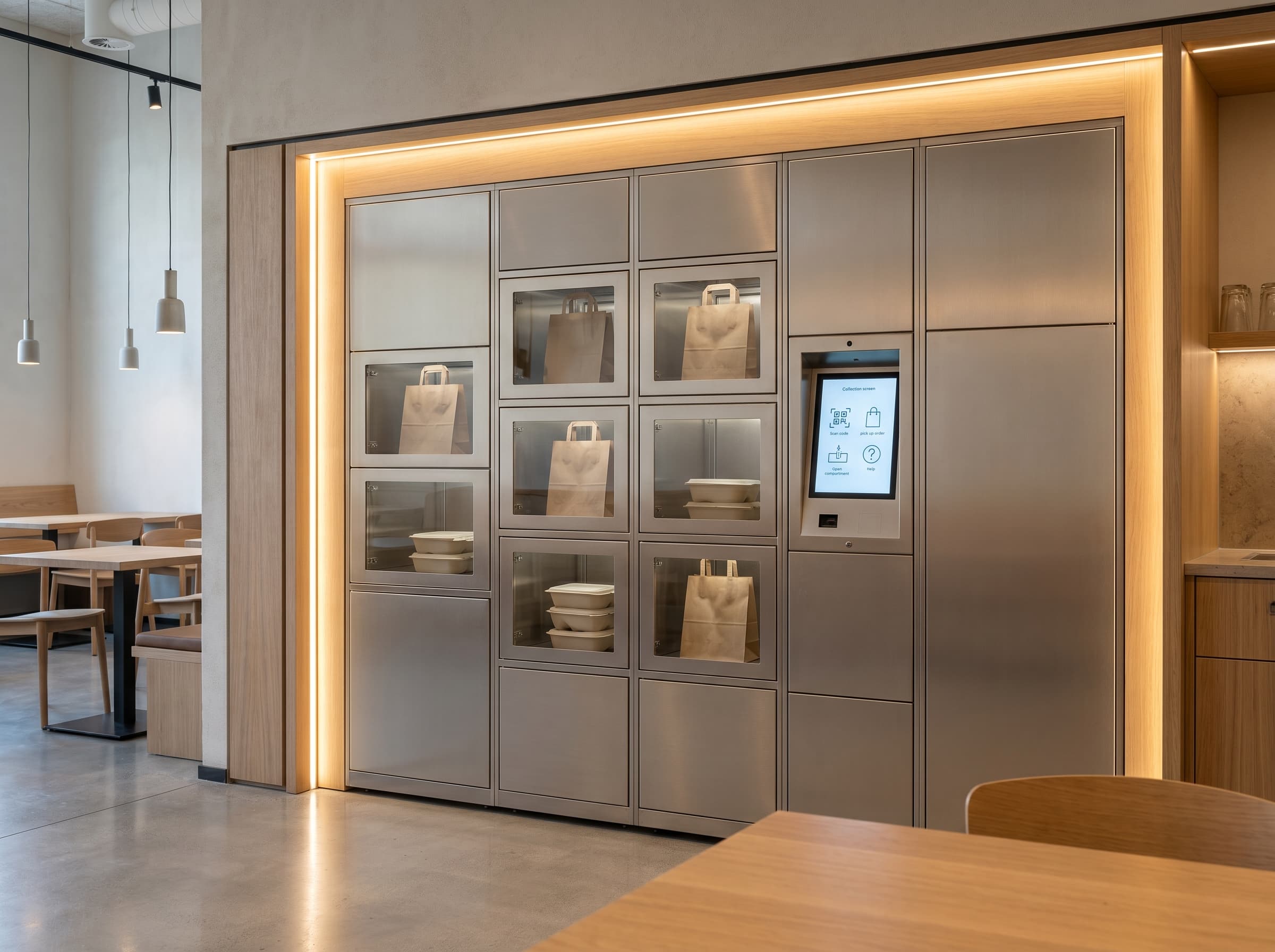
Explore related locker workflows
Compare nearby food and collection workflows
Food collection lockers sit close to broader self-service pickup and general collection models, so these are the most useful pages to compare next.
Locker Vending Systems
Use the broader transaction-led page if the project blends food pickup with wider self-service release, returns, or mixed collection workflows.
Parcel Lockers
A useful comparison when the buyer is really deciding between general collection logistics and a food-specific handover workflow.
Electronic Lockers
Step back to the workflow-led overview if you are still comparing food pickup against parcel, rental, asset-control, or secure handover use cases.
Need food pickup to move faster without adding counter friction?
Tell DMVI what is being collected, what holding conditions matter, how long orders can sit, and how the collection window should work. We can scope the right food-locker workflow from there.
Frequently asked questions
A food collection locker is a software-managed locker system designed for prepared-order pickup with timed collection windows and ambient, heated, or chilled compartment zoning. The system matches each order to the right compartment, notifies the customer, runs an authenticated collection, and escalates missed pickups before the food drifts beyond a usable hold time.
Yes, where the configured system supports it. Mixed-zone food lockers run heated, chilled, and ambient compartments side by side, and the right zoning depends on the menu, the hold period, and site requirements. Zoning is scoped per deployment rather than sold as a one-size locker.
Staff prepare the order, scan it into the assigned compartment, and the customer receives a code, QR, or app credential. The customer arrives, authenticates at the locker, and the assigned door releases. The collection event is logged. There is no staffed handover unless an exception requires it.
The configured workflow handles missed pickups through reminders, expiry rules, operator alerts, and reassignment paths. Operators see uncollected orders in the management dashboard and can decide whether to extend the hold, void the order, or escalate to in-person resolution before food quality is at risk.
Integration scope depends on the platform and the project. Some deployments tie directly into EPOS, online ordering, or campus meal-plan systems through API. Smaller deployments run on a simpler operational process — staff load the assigned compartment manually and the system handles notification and release.