
Parcel Lockers — Automated Click-and-Collect, Courier Deposit, and Out-of-Hours Pickup
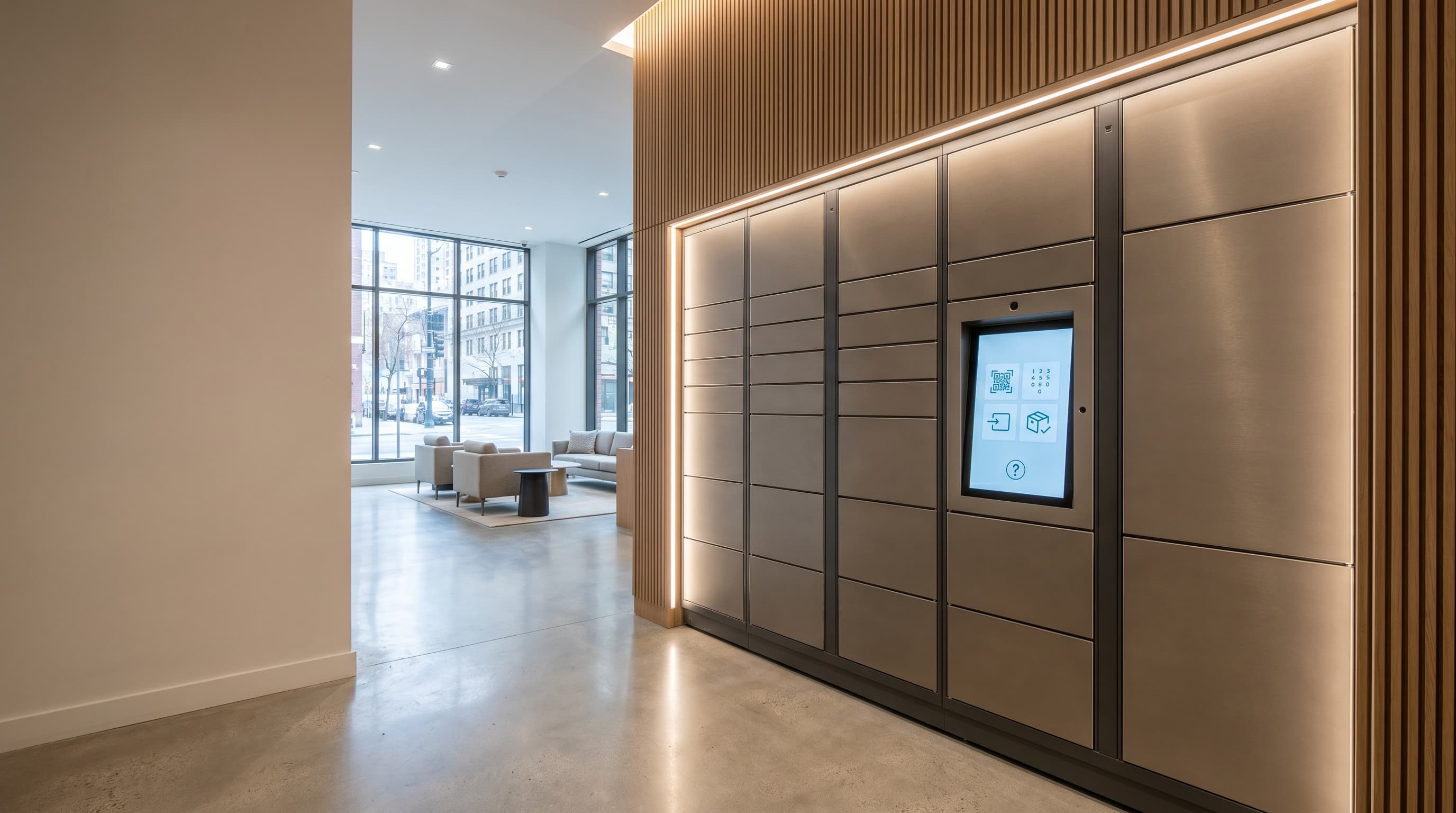
A parcel locker is an automated postal compartment that allows users to self-collect parcels and oversize letters and, in deposit-enabled deployments, send parcels back through the same hardware (Wikipedia: Parcel locker). DMVI parcel locker systems are the commercial-deployment version of that workflow — built for retail click-and-collect, residential delivery handling, courier deposit, and out-of-hours collection inside a managed software environment. The cabinet stores the parcel. The software runs the deposit, allocation, notification, pickup window, and overdue-recovery logic that decides whether a collection point actually works at scale.
Why parcel collection workflows fail without locker automation
Most parcel collection failures are not hardware failures. They are workflow failures. A package arrives but the recipient is not notified at the right moment. A courier arrives but no one is at the desk to sign. A pickup is missed and the parcel sits behind a counter for a week.
Every one of those is a process leak, and every leak is paid for in staff time, missed deliveries, and customer-service tickets. A parcel locker bank closes those leaks because every parcel is matched to a compartment, every recipient is notified the moment the door is locked, every pickup window is enforced, and every overdue parcel is escalated automatically rather than buried in a stockroom.
Compare nearby workflows
Every one of those is a process leak
- A package arrives but the recipient is not notified at the right moment.
- A courier arrives but no one is at the desk to sign.
- A pickup is missed and the parcel sits behind a counter for a week.
- Every leak is paid for in staff time, missed deliveries, and customer-service tickets.
Parcel Locker Workflows DMVI Scopes
Retail click-and-collect
Route online orders into secure pickup compartments so customers collect without queueing at a service counter. Reduces staff time per collection from minutes to seconds.
Residential parcel pickup
Apartment buildings, student housing, and mixed-use developments — replace the concierge parcel pile with allocated compartments and recipient notifications.
Out-of-hours collection
Keep collection live after the staffed counter closes. Customers collect on their schedule; the site does not pay for after-hours staffing.
Courier deposit and customer release
One user deposits, a different user collects. Software handles allocation, notification, and release credentials so courier and recipient never need to coincide.
Reception overflow and parcel-room control
Front-desk parcel handling outgrows manual logging fast. Lockers absorb the overflow with an audit trail front-desk staff can search.
Reminder and overdue parcel recovery
Configurable reminders, expiry windows, reassignment rules, and operator alerts so uncollected parcels do not silently turn into customer-service backlog.
What the Parcel Locker Software Runs
Compartment allocation
Match each parcel to the right size compartment automatically, by package dimensions and current occupancy, without staff improvising.
Recipient notifications
SMS, email, app push, or branded link delivered the moment the courier closes the door — pickup code, locker number, deadline, all in one message.
Timed pickup rules
Collection windows, automated reminder cadence, and configurable expiry logic. Overdue items trigger action, not guesswork.
Authenticated release
PIN, QR, app, or RFID/NFC release. Every access event is logged with user, locker, and timestamp for audit retrieval.
Overdue and support escalation
Uncollected parcels, failed access attempts, and locker faults surface in an operator queue before they become customer-service tickets.
Capacity dashboards
Live occupancy across the bank so site managers see when a locker bank is hitting capacity and can size the next phase from real data, not assumptions.
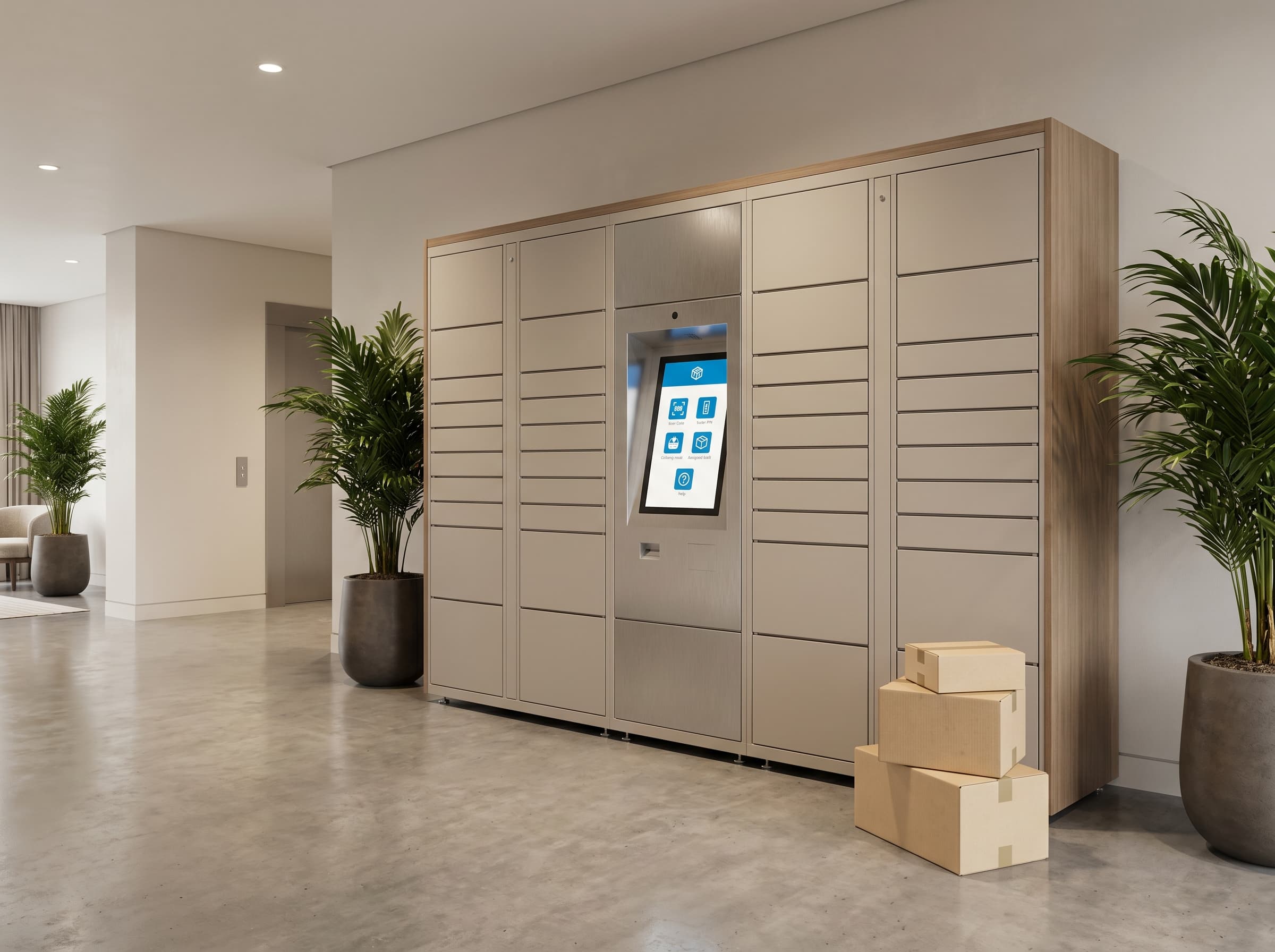
Why parcel locker projects need collection-flow scoping
- Workflow-first scoping | Deposit pattern, courier mix, pickup window expectations, and exception-handling rules are scoped before the cabinet count is fixed.
- Public-facing access design | Public collection workflows need a different release path from internal logistics or restricted pickup environments — locker placement, visibility, lighting, weather protection, and accessibility all change the design.
- Operational realism | Occupancy churn rate, courier behaviour, branding requirements, payment integration for paid-pickup workflows, and service-level expectations are addressed up front rather than discovered in production.
- Commercial scoping support | DMVI scopes parcel locker projects around deposit flow, pickup windows, overdue handling, and site reality rather than a generic hardware shortlist.
Explore related locker workflows
Compare nearby collection models
Parcel lockers often sit beside wider self-service collection, restricted release, or broader electronic-locker programmes, so these are the most useful next pages.
Locker Vending Systems
Use the broader transaction-led page if the project blends parcel pickup with returns, sales, or other mixed self-service release models.
Secure Handover Lockers
Use this route when named-recipient release rules and custody proof matter more than repeat parcel deposit-and-collect volume.
Electronic Lockers
Step back to the workflow-led overview if you are still deciding between parcel, rental, asset-control, or restricted-access use cases.
Need a parcel pickup workflow that works in the real world?
Tell DMVI who deposits, who collects, how long items can sit, and what environment the lockers will live in. We can scope the right parcel locker setup from there.
Frequently asked questions
Parcel lockers are automated postal compartments that allow users to self-collect parcels and oversize letters and, in deposit-enabled deployments, dispatch parcels back through the same hardware. In a commercial deployment they are software-managed banks of locker doors handling click-and-collect, courier deposit, residential delivery handling, and out-of-hours pickup inside one managed workflow.
A courier or staff member scans or selects an order, the software allocates an appropriately sized compartment, the parcel is deposited and the door locks. The recipient receives notification — email, SMS, or app — with a code, link, or QR. The recipient enters or scans that credential at the locker, the assigned door releases, and the access event is timestamped to the audit log.
Commercial parcel locker banks are typically located in retail click-and-collect zones, residential building lobbies, student-housing reception areas, office-building mailrooms, transport hubs, and reception-overflow points. Public-facing deployments need weather protection, visible signage, accessible reach height, and reliable connectivity. Internal deployments can sit in mailroom or stockroom environments with simpler site requirements.
That depends on the operator’s commercial model. Many residential and retail click-and-collect deployments are free to the recipient because the locker is part of the operator’s delivery promise. Other deployments — third-party PUDO networks, paid-locker operators, or fee-on-overdue models — charge per pickup or per overdue day. The locker software supports both free and paid pickup workflows.
Parcel lockers are designed around authenticated release, audit logging, and tamper-resistant cabinet construction, which gives them a stronger custody record than a parcel left at reception or behind a service counter. Each access event is tied to a user credential and timestamp, and overdue or failed-access events surface in the operator dashboard rather than disappearing into operational noise.